Save Hours Adding Hyperlinks and Dates to Your Digital Planner
Introducing Plan Wizard Excel for Anchors | Dates | Hyperlinks


Are you an Affinity Publisher planner creator struggling to keep up with demand? 

Tired of spending hours manually entering dates, anchors, and hyperlinks? 

Plan Wizard Excel is here to revolutionize your workflow.


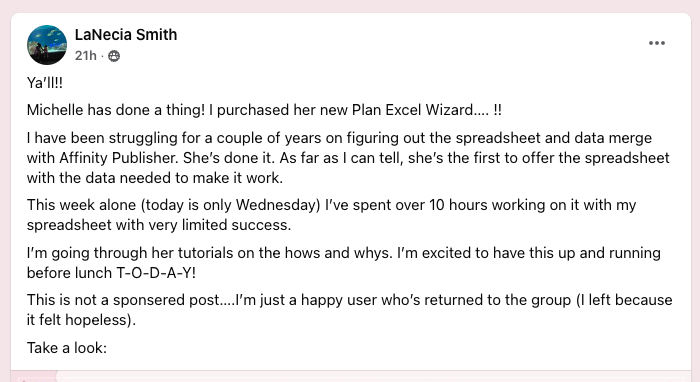
“I’m glad I purchased as I would have probably NEVER figured all this out!! I ordered the PDF templates [too]!”
LaNecia S
Key Features:

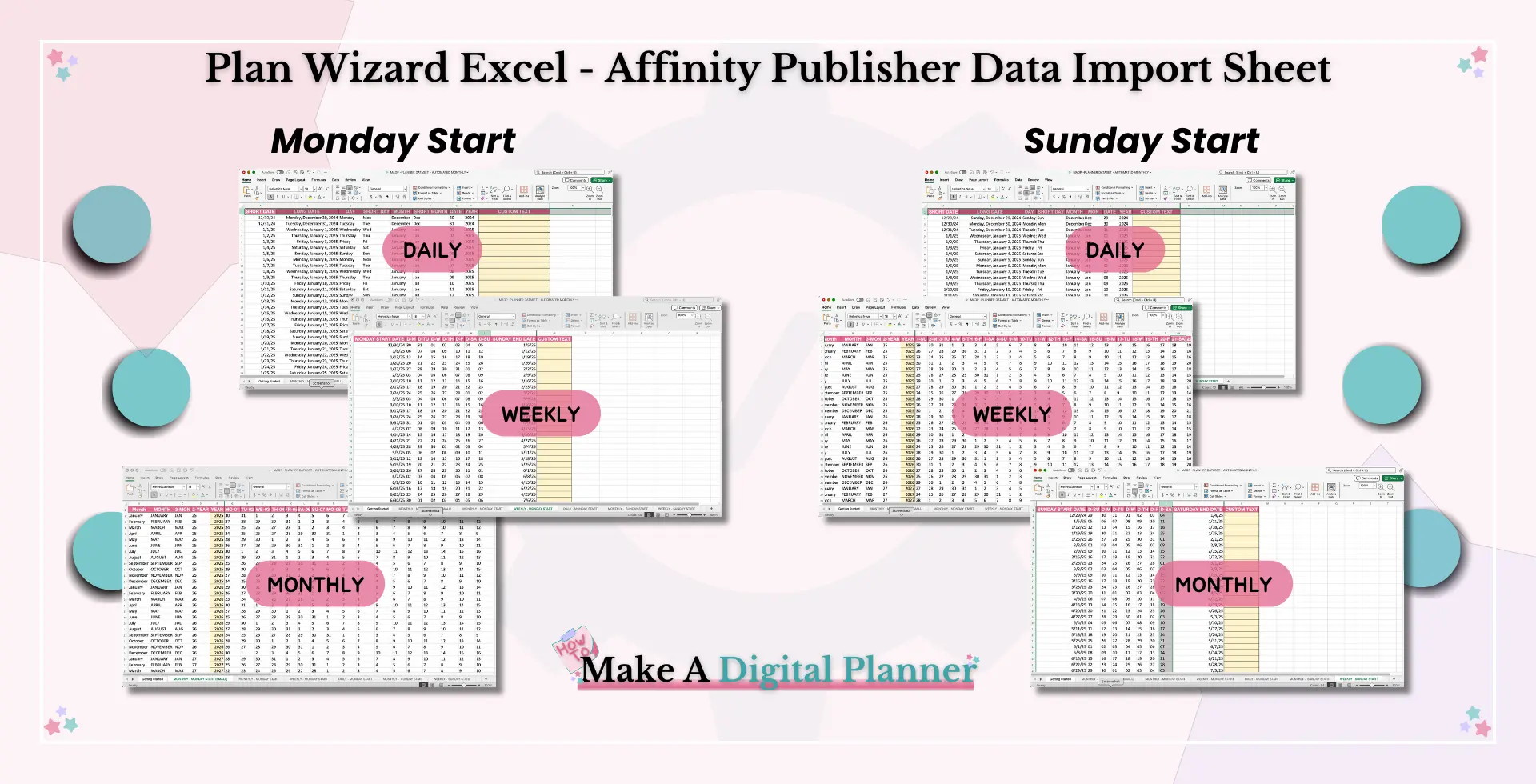
  • Flexible Options: Easily switch between Monday and Sunday start dates to accommodate different preferences.
  • Comprehensive Video Tutorials: Learn how to use Plan Wizard Excel with our step-by-step video guides.
  • Exclusive to Affinity Publisher: This powerful tool is designed specifically for Affinity Publisher users.
“I have been struggling for a couple of years on figuring out the spreadsheet and data merge with Affinity Publisher. She’s done it. As far as I can tell, she’s the first to offer the spreadsheet with the data needed to make it work.”
LaNecia S, AGAIN
Don't Let Time Constraints Hold You Back. With Plan Wizard Excel, you can create high-quality digital planners efficiently and effortlessly. Start saving time today.

Michelle Thomas, Your Tech Angel

I'm a software engineer and business process engineer by day and a blogger, creator, wife, mom and crazy dog lady by night.  

I have been teaching tech to women since I was 15ish, and I love helping women use tech to acquire freedom.  

I am a certified technical trainer, and software engineer that is actually able to talk to real people that just don't get tech.  

I can help you do things faster, smarter, and easier with tech, even if you are a technophobe.
What's Included

Lesson One: Getting Started

Let's learn how to setup Excel so you can use the spreadsheet for data import.
Lesson Two: Download Excel

This lesson contains the zip file so you can download it. As well as some helpful information on how to extract the Excel file from the zip file so you can start merging your data. 

The sublesson shows you how to use the spreadsheet with an awesome video walk through.

Lesson Three: Merging the Data and the Planner

Let's break down how to use this excel file,  with Affinity Publisher.  

The videos in the sublessons will help you get started using this merge tool with your digital planner files.

This lesson has 3 Sublessons:

  1. Data Merge Overview. 

  2. Adding Dates and Anchors

  3. Adding Hyperlinks to Your Planner

Get Started Today


  • Excel Spreadsheet for Data Import with all the formulas to Automate up to 36 months worth of dates, anchors and hyperlinks for your Affinity Publisher Designed Digital Planner. 
    ($100 Value)
  • Tech walk-throughs on setting up a Year-at-a-glance, monthly, daily and weekly planner pages. 
    ($250 Value)
  • Commercial Use/PLR Base Planner Template with Cover, Tabs Master Page, Year-At-A-Glance, Monthly, Weekly and Daily Pages with Data-Merge setup. New Package provided Quarterly.
    ($97 Value)
  • Support Setting up your planner in a group setting.
    ($97 Value)

Buy Now (Instant Access)

A $350 value!